6 Best APOB AI Alternatives That Handle Scale and Quality
Building a consistent AI influencer often feels like a money pit, especially when restrictive credit limits cut your creative flow short. It is frustrating to feel locked into a platform that almost, but not quite, meets your specific content needs.
You deserve tools that offer better flexibility and value for your workflow. That is why we curated this guide to the 6 Best APOB AI Alternatives for 2026.
If you need affordable face swaps or hyper-realistic video avatars, this comparison helps you find the right solution without the expensive trial-and-error.
✅ Why Creators Are Seeking APOB AI Alternatives: The Tech Limitations
While APOB.ai initially simplified virtual influencer creation, many advanced users eventually hit a performance ceiling that hinders professional workflows. Serious creators often begin searching for APOB AI alternatives when they encounter specific processing bottlenecks that affect content scalability and realism.
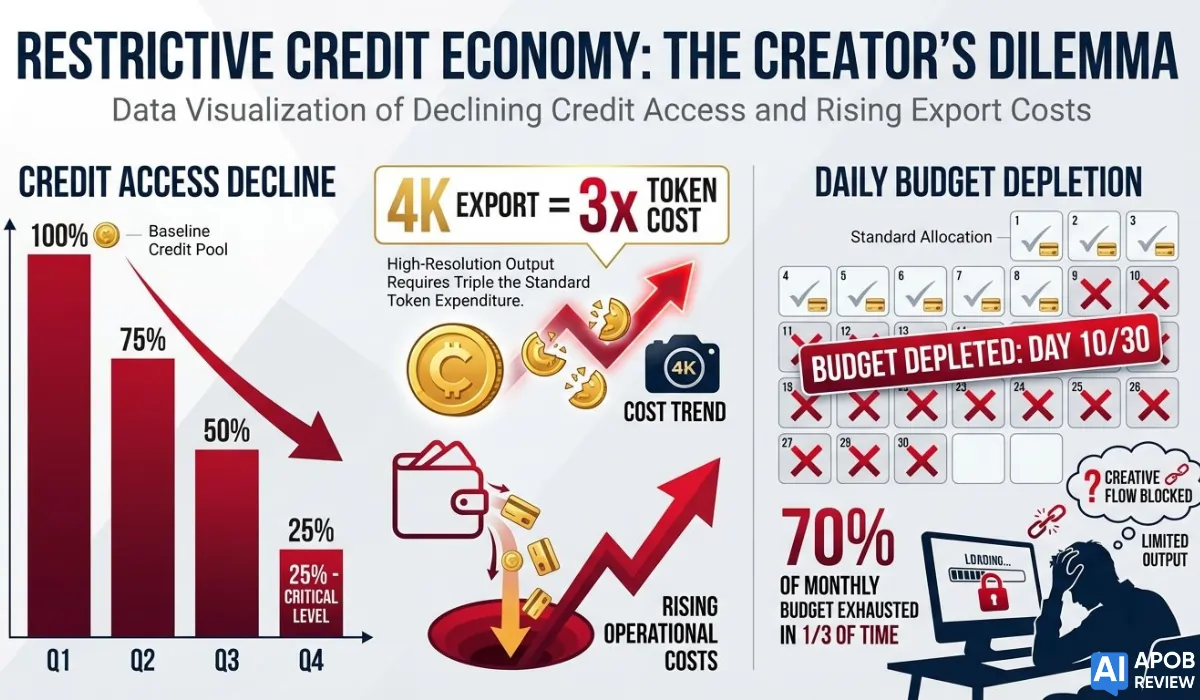
The primary friction points usually revolve around rendering fidelity and operational flexibility. Users frequently report that as their video complexity increases, the platform can struggle with robotic facial micro-expressions or noticeable lip-sync latency compared to newer engines.
Common technical constraints driving the switch include:
These technical barriers naturally push growing brands toward more robust, enterprise-grade synthesis platforms.
✔ APOB AI Alternatives Compared: Which Tool Delivers Better Results?
| Top APOB AI Alternatives | Best Use Case | Top Feature |
|---|---|---|
| OpenArt | Consistent Characters | Motion-Sync Tech |
| Akool | Commercial Ads | 8K Face Swap |
| Higgsfield | Mobile Creators | Vertical Video Models |
| Kling AI | Long Narratives | 2-Minute Generation |
| HeyGen | Talking Heads | 175+ Languages |
| Veed.io | All-in-One Editing | Auto-Subtitles Tool |
1. OpenArt
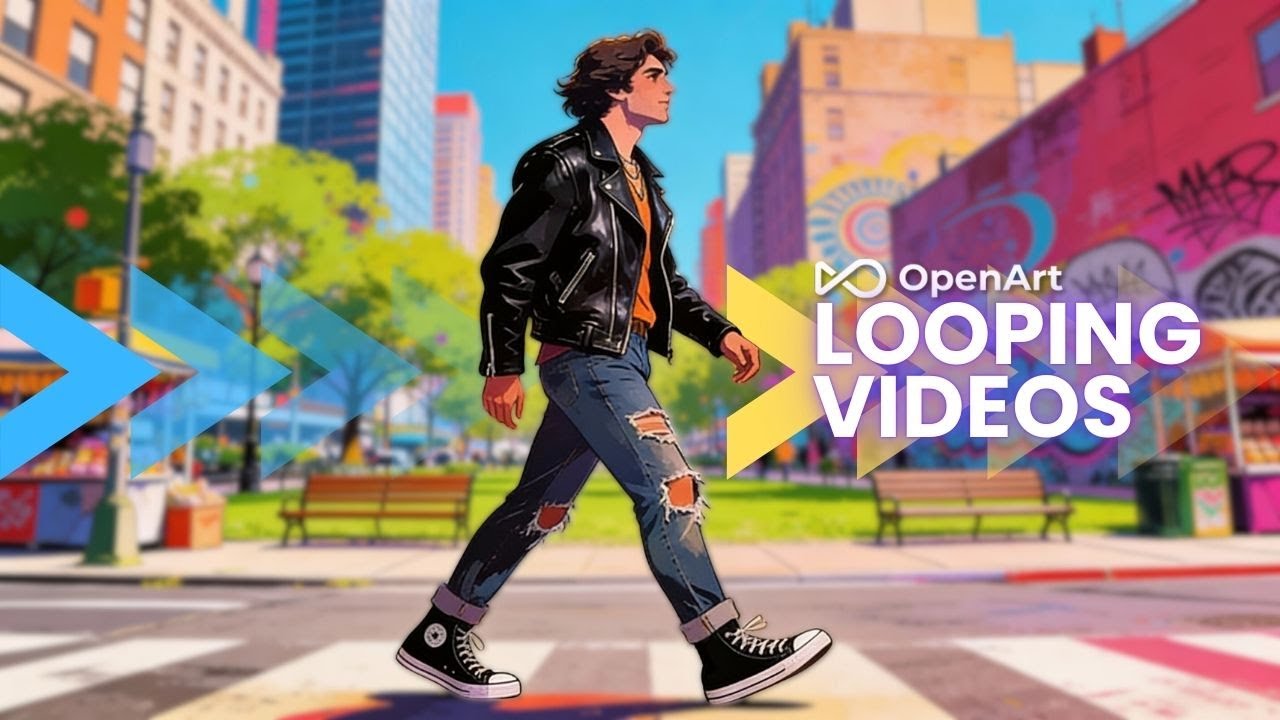
OpenArt has quickly evolved from a standard image generator into a versatile APOB AI alternative for creators needing consistent character synthesis without strict credit limits. Its new “Motion-Sync” and face enhancement features allow you to maintain character identity across multiple video clips, solving the “flickering face” issue common in basic tools.
For affiliate marketers and content creators, OpenArt offers a robust suite of editing tools, including precise control over facial expressions and background replacement. It bridges the gap between static influencer creation and dynamic video motion.
OpenArt Pros
OpenArt Cons
Why Choose OpenArt?
Ideal for creators needing deep control over character consistency and motion without breaking the bank.
🔥 Grab 15% OFF OpenArt Pro!
Take your AI art to new heights. Apply code ALL15 for an instant 15% discount on your OpenArt subscription.
2. Akool
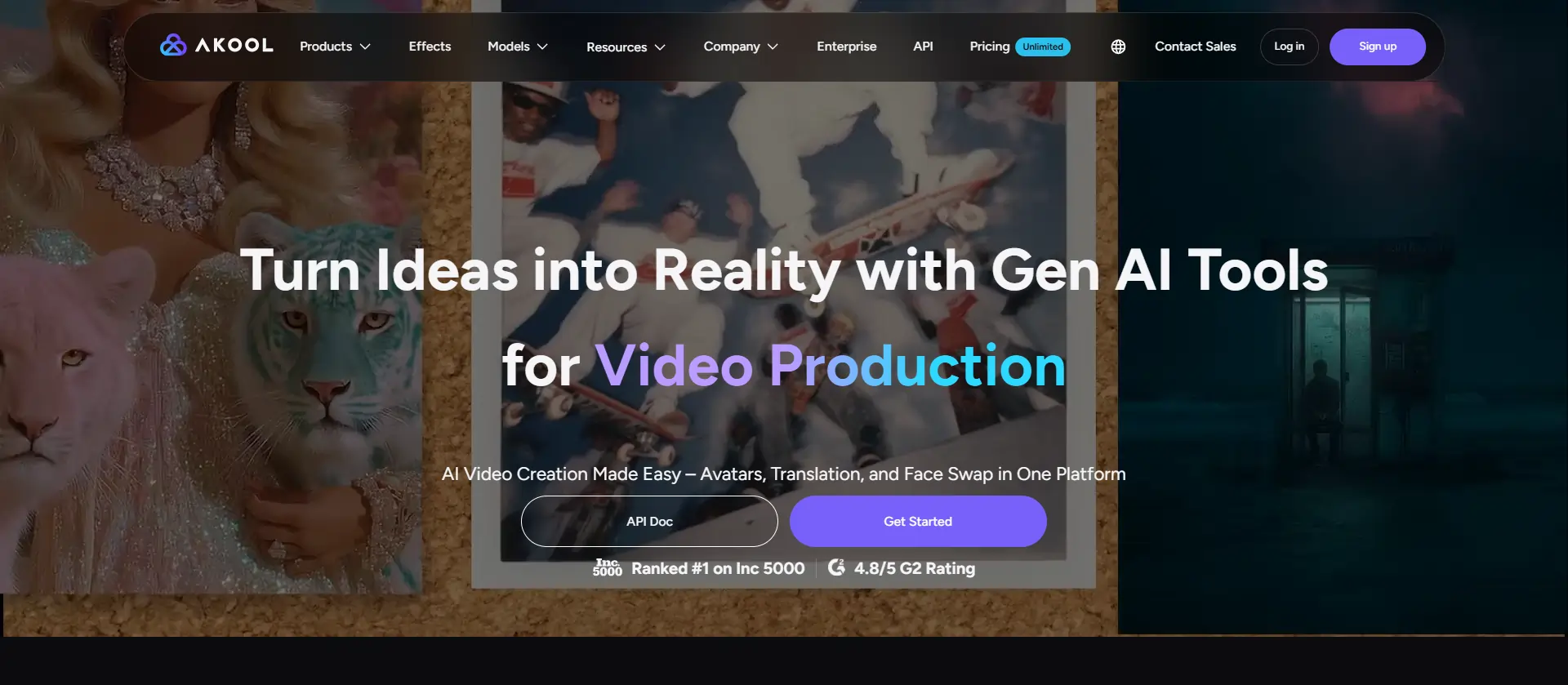
Securing the #2 position on our list of APOB AI alternatives, Akool stands out as a premium tool built for high-quality face swapping and commercial use. Its advanced Face Swap technology supports up to 8K resolution, making it ideal for professional 4K videos and high-end social media ads.
Marketers prefer Akool for its ability to handle complex video renders where maintaining lighting and skin texture is critical. Its enterprise-grade infrastructure allows for bulk processing, meaning you can swap faces in multiple clips simultaneously—a massive time-saver for agencies managing multiple virtual influencer accounts.
Akool Pros
Akool Cons
Why Choose Akool?
The go-to choice for agencies requiring broadcast-quality face swaps and zero artifacts in final renders.
3. Higgsfield AI
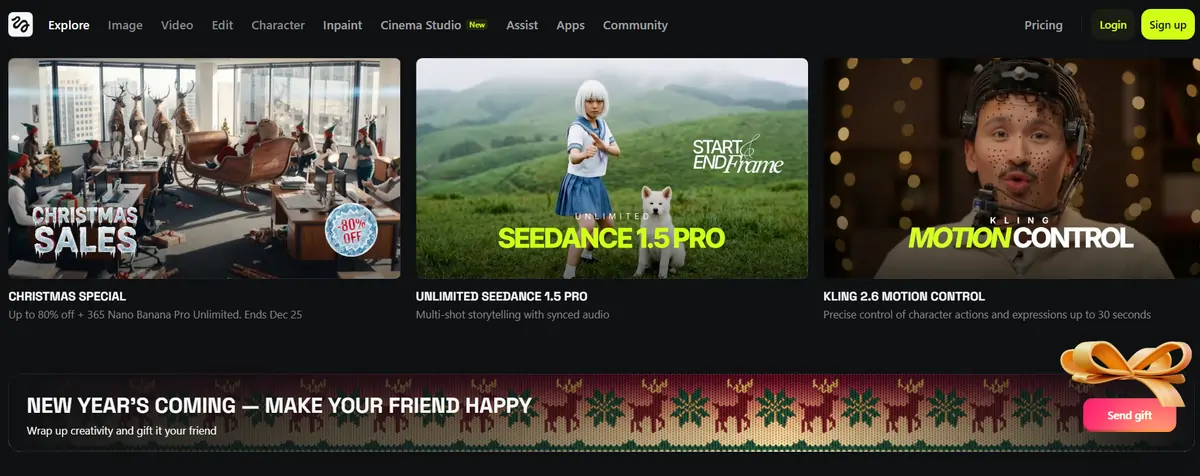
Higgsfield is a mobile-first APOB AI alternative designed for the fast-paced world of vertical video content. It offers specific “Nano” and “Banana” models that excel at generating consistent characters for short-form storytelling, giving you granular control over the start and end frames of your AI-generated clips.
This platform is particularly strong for social media creators who need to edit on the go. Higgsfield integrates simple video editing tools directly into the generation workflow, allowing you to tweak motion and transitions without exporting to third-party software like CapCut or Premiere Pro.
Higgsfield AI Pros
Higgsfield AI Cons
Why Choose Higgsfield?
Perfect for solo creators who want to produce and edit viral AI shorts entirely on mobile.
4. Kling AI
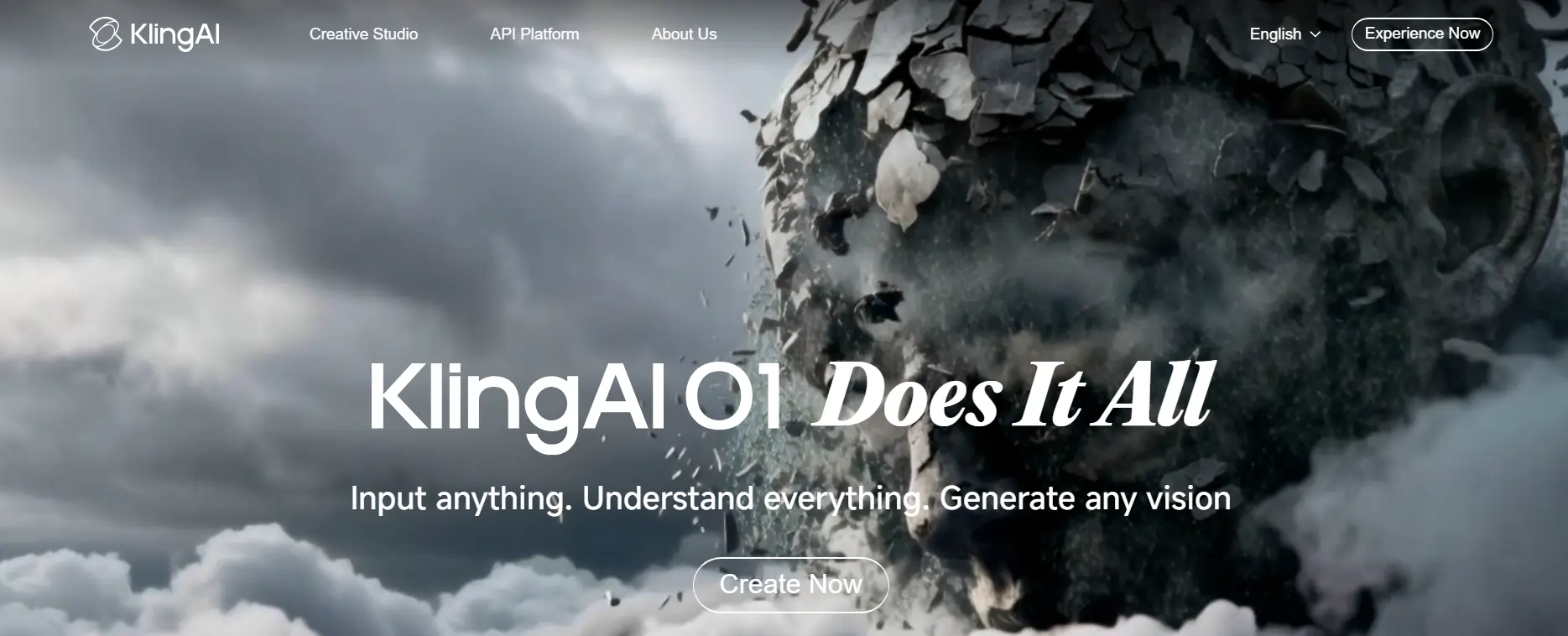
Kling AI has gained global attention as a powerhouse APOB AI alternative, capable of generating videos up to two minutes long with remarkable coherence. Its “Cinema-Quality” aesthetics are a step above standard generators, drastically reducing the warping and distortion often seen in longer AI video sequences.
For users tired of 5-second clips, Kling offers a significant upgrade. It uses advanced physics simulation to ensure hair and clothing move naturally, making it an excellent tool for creating narrative-driven content or realistic product showcases that require longer retention times.
Kling AI Pros
Kling AI Cons
Why Choose Kling AI?
Best for storytellers needing longer, cohesive video sequences that maintain logic and visual quality.
5. HeyGen
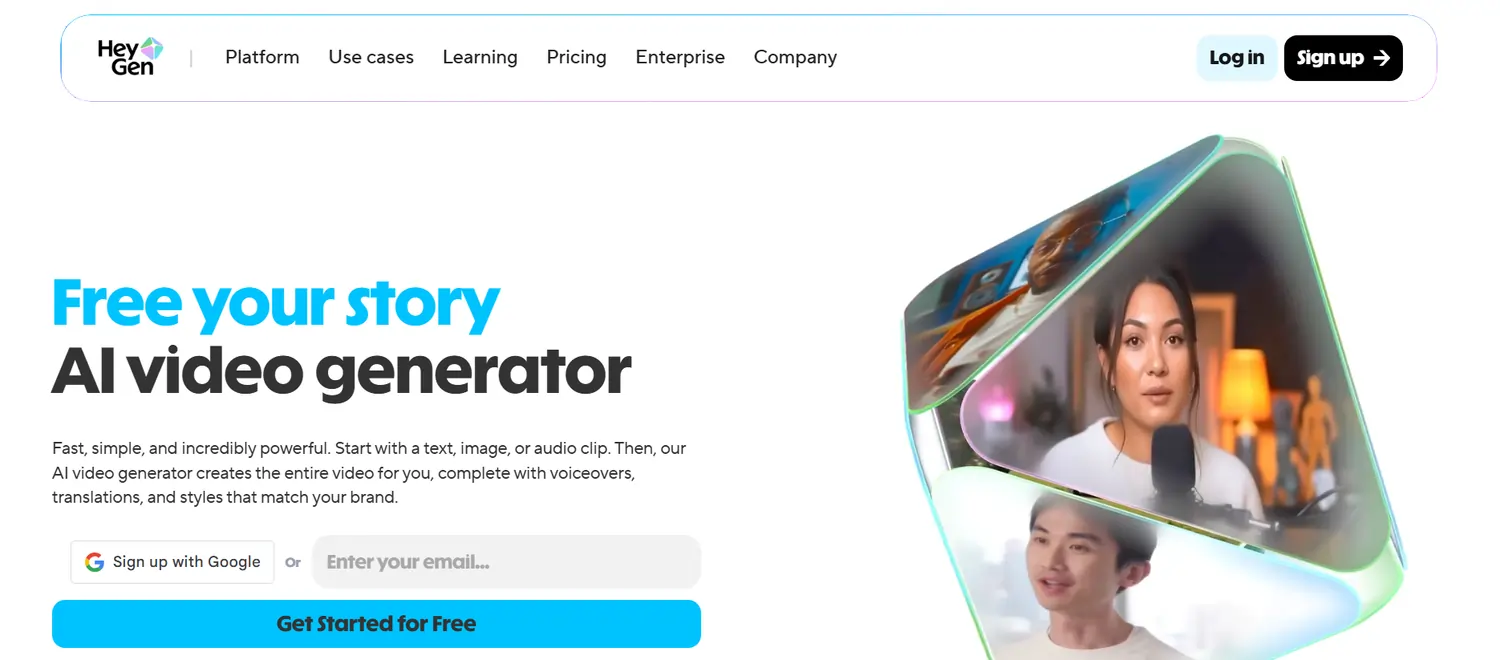
HeyGen is the industry standard for talking head videos, offering unrivaled lip-sync accuracy and voice cloning. While APOB covers broad creative uses, HeyGen specialises in “Instant Avatars” that look and sound exactly like you, making it the top choice for personalised marketing at scale.
Its “Video Translate” feature is a game-changer for global reach, allowing you to dub your content into 175+ languages while automatically adjusting lip movements to match the new audio. This makes it an essential tool for educators and marketers targeting international audiences without re-recording footage.
HeyGen Pros
HeyGen Cons
Why Choose HeyGen?
The most reliable option for professional talking-head videos, corporate training, and multilingual marketing.
6. Veed.io
Rounding out our list of APOB AI alternatives, VEED.io combines a powerful online video editor with AI avatar capabilities, making it a complete all-in-one post-production platform. It lets you create an AI presenter and instantly add subtitles, stock footage, and motion graphics within a single timeline, streamlining the entire video workflow.
Unlike standalone generators, Veed focuses on the finished product. Its “Eye Contact Correction” and “AI Voice Dubbing” tools help polish your content, ensuring your virtual influencers engage directly with the viewer.
Veed.io Pros
Veed.io Cons
Why Choose Veed.io?
Excellent for creators who want to generate, edit, and caption videos in one single browser tab.
How to Migrate Your Workflow from APOB to Better APOB AI Alternatives
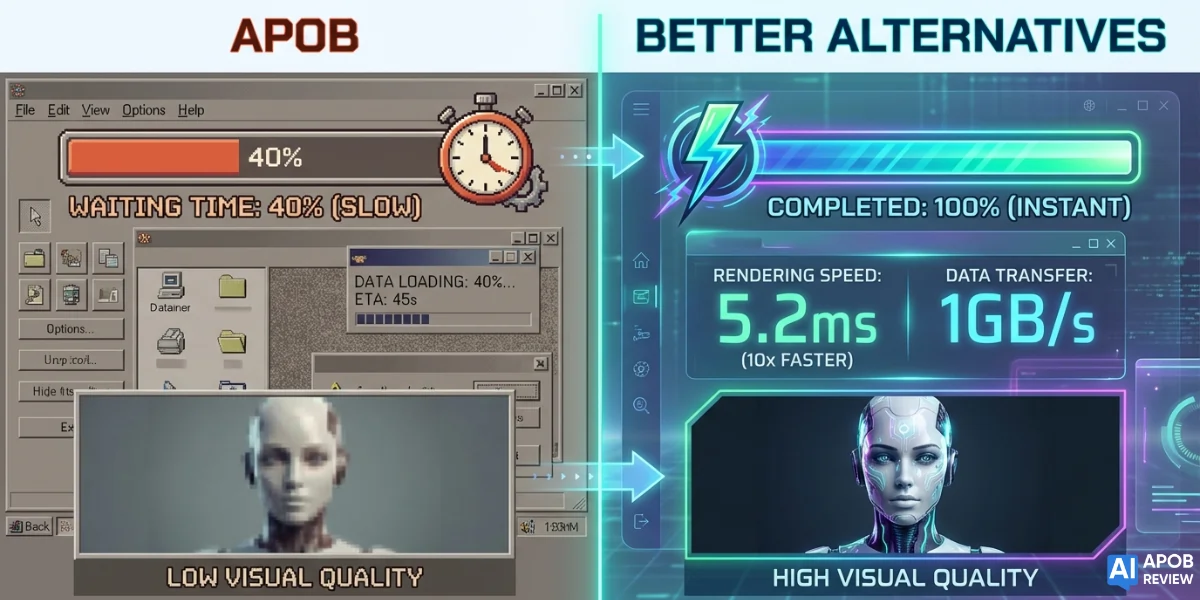
Switching platforms does not mean starting your digital persona from scratch. Migrating to robust APOB AI alternatives is often a straightforward process of asset preservation and prompt refinement. The goal is to transfer your core creative identity while upgrading the underlying engine.
Start by downloading your highest-resolution source files—original training photos and successful video outputs—locally, as most platforms cannot directly import proprietary models.
Key migration steps for a seamless transition:
By systematically transferring your assets, you can maintain brand consistency while unlocking the superior rendering speeds of your new tool.
💁♂️ Our Verdict on the Top APOB AI Alternatives
Choosing the right APOB AI alternative ultimately depends on where your content hits a bottleneck—whether you need sharper 8K resolution, mobile-first editing, or seamless lip-syncing for global audiences.
The tools reviewed here move beyond simple novelty, offering the technical reliability and scalability required for professional workflows.
We recommend testing the free tiers of your top two choices first to see which interface best aligns with your daily production needs before committing to a subscription.